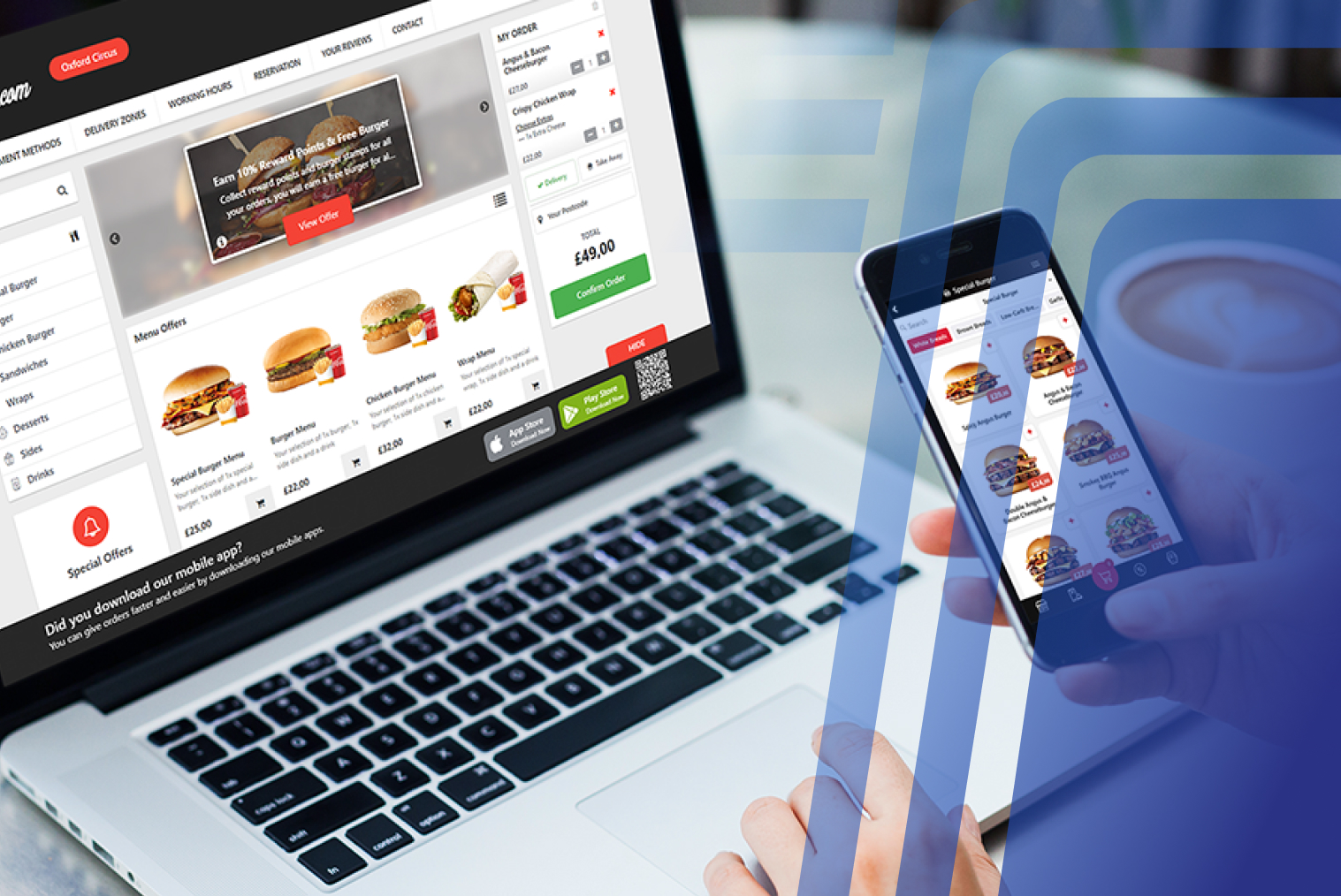
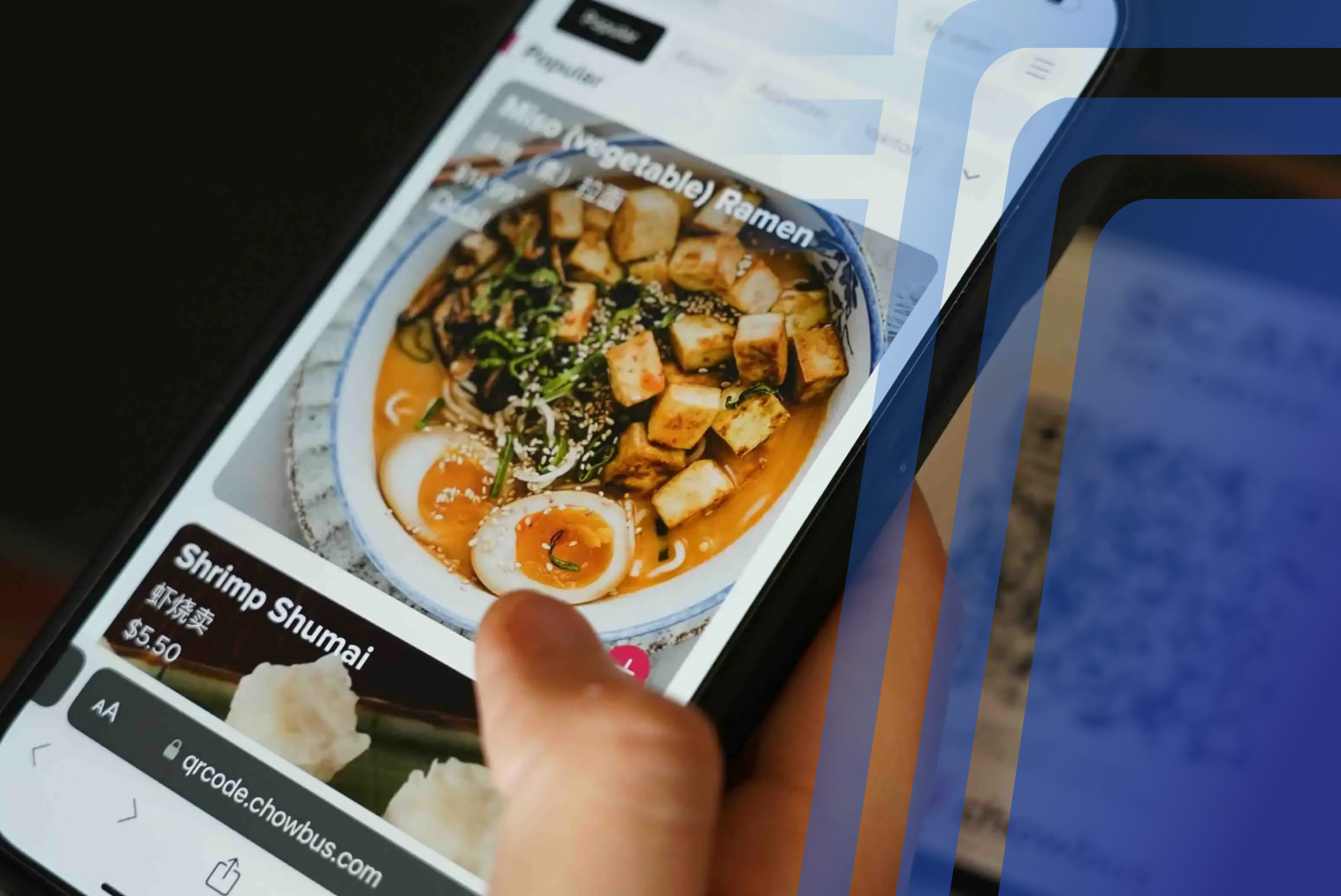
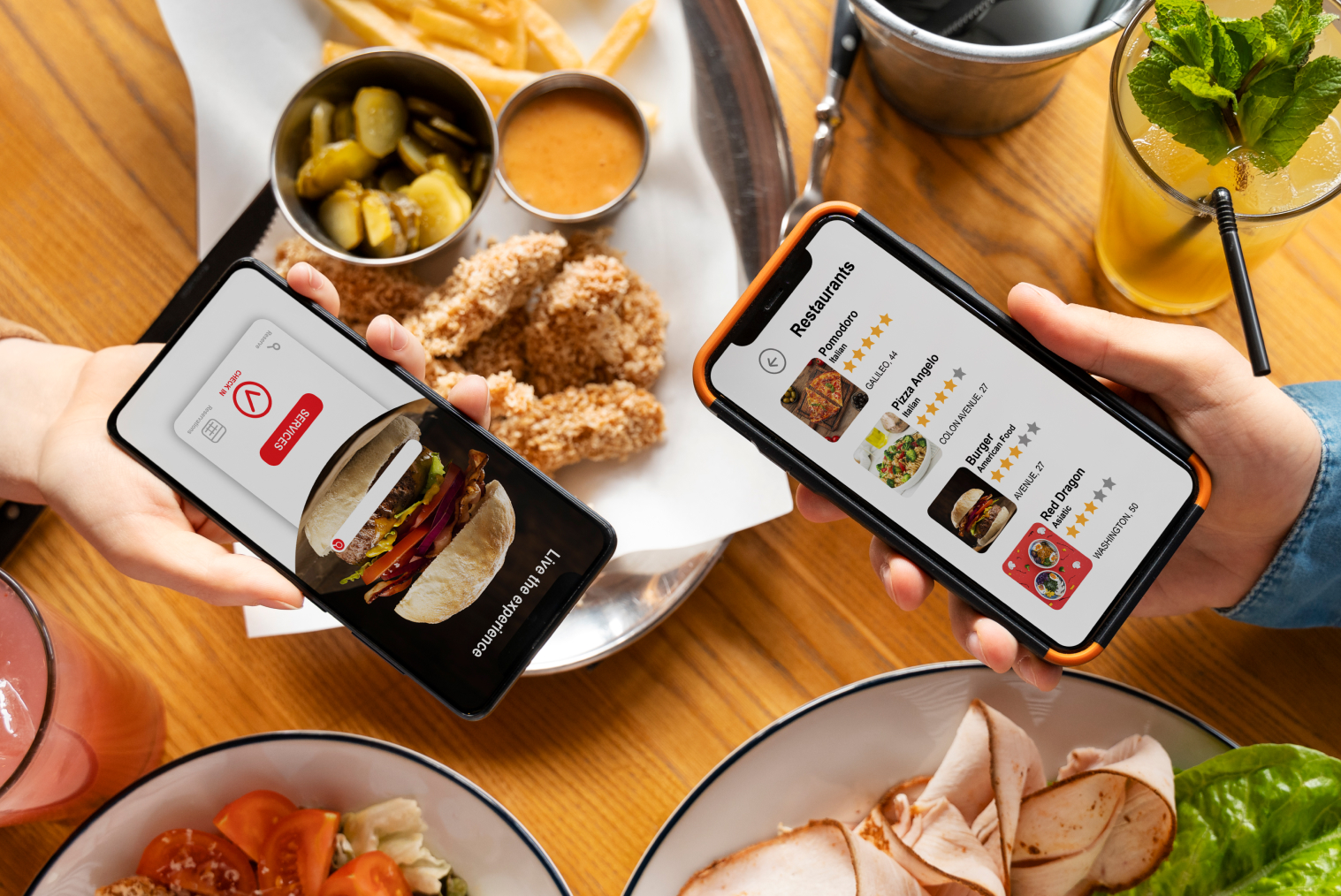
Digital purchases and online ordering have become the norm for customers. Viewing menus independently and making payments quickly and without contact are now the norm for customers.
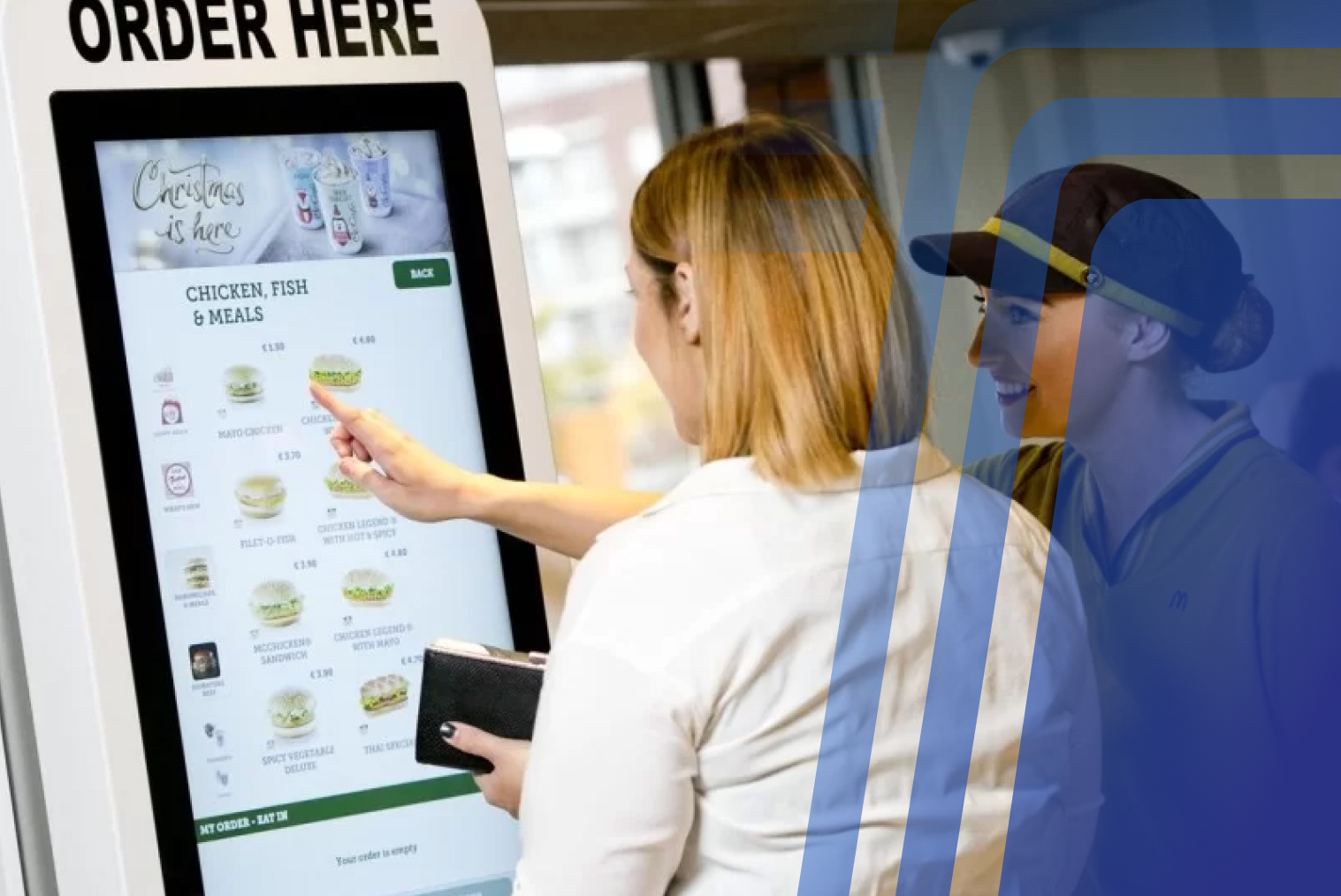
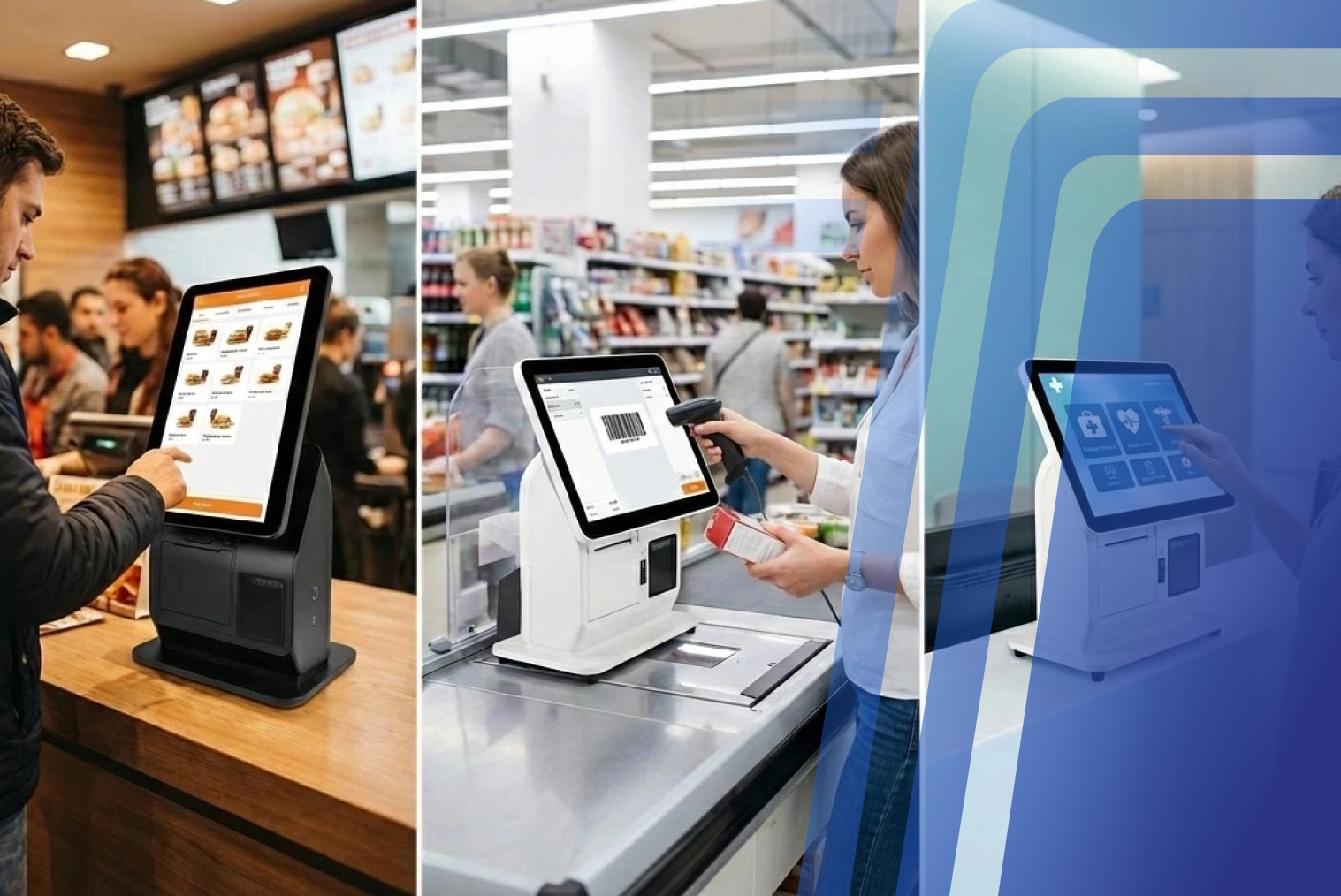
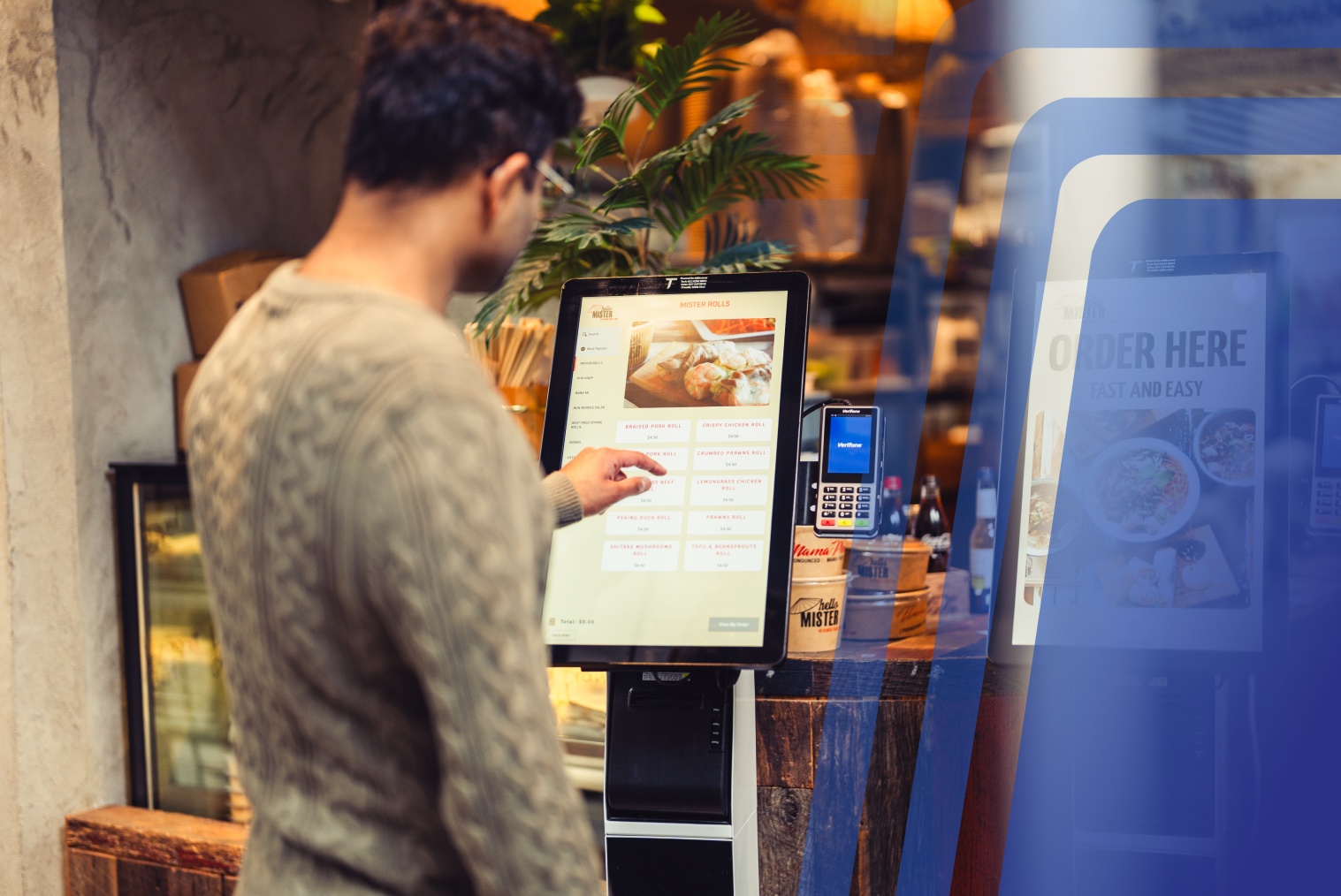
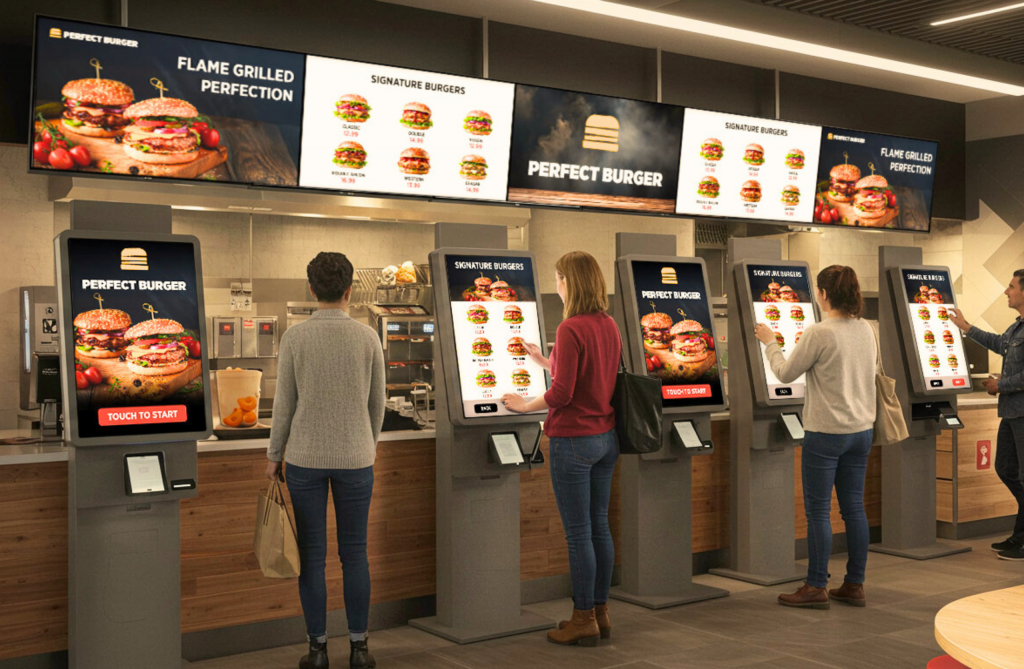
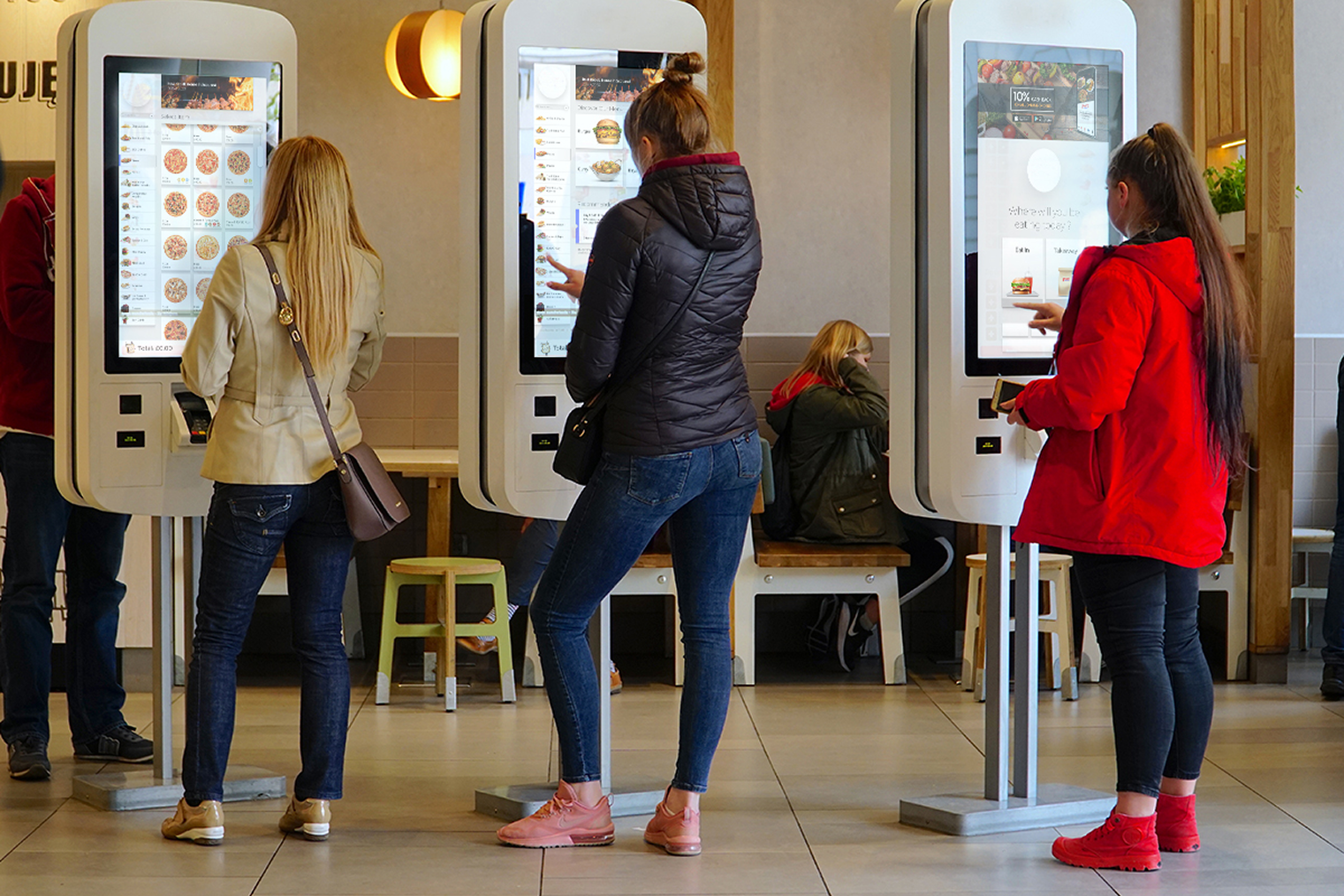
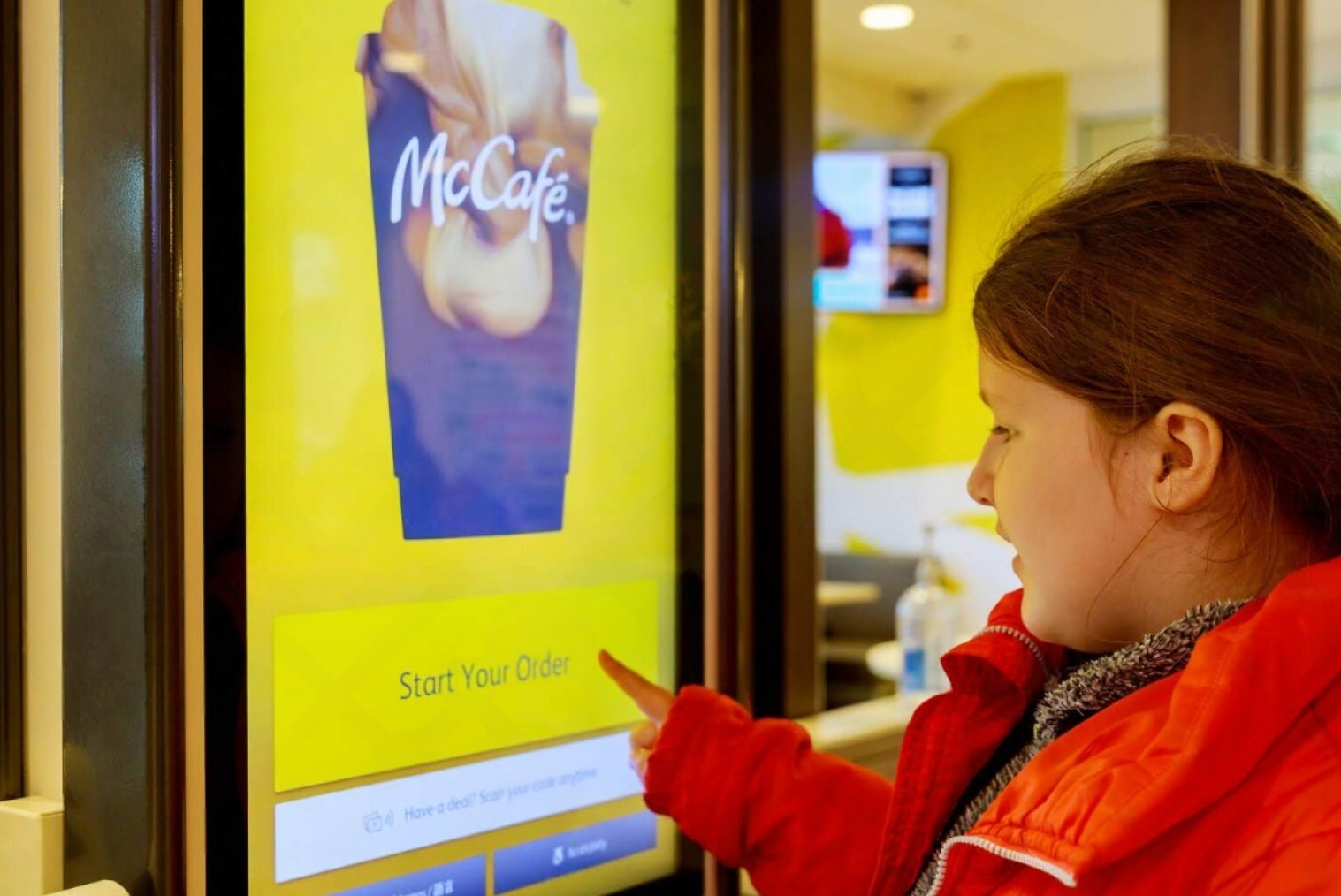
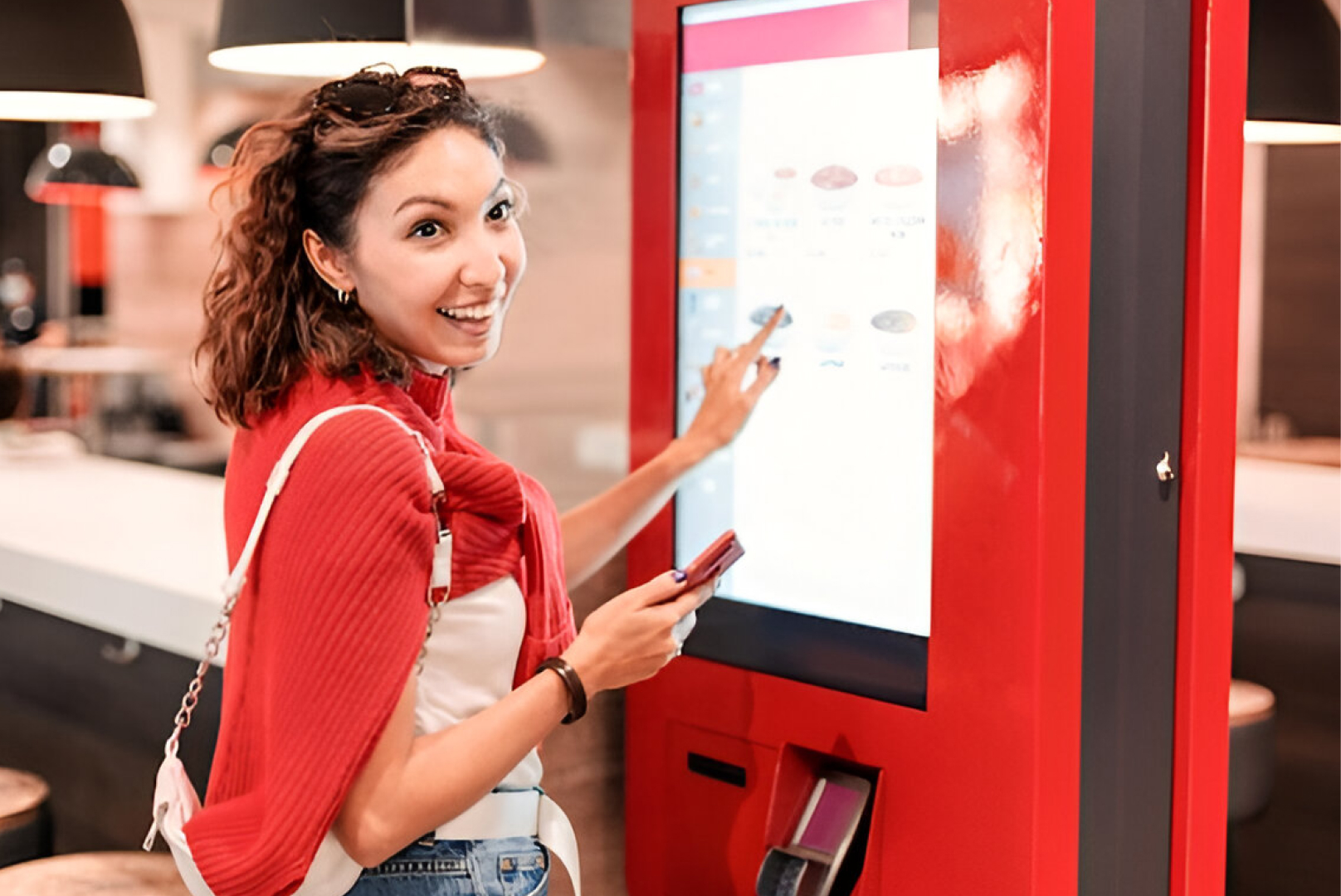
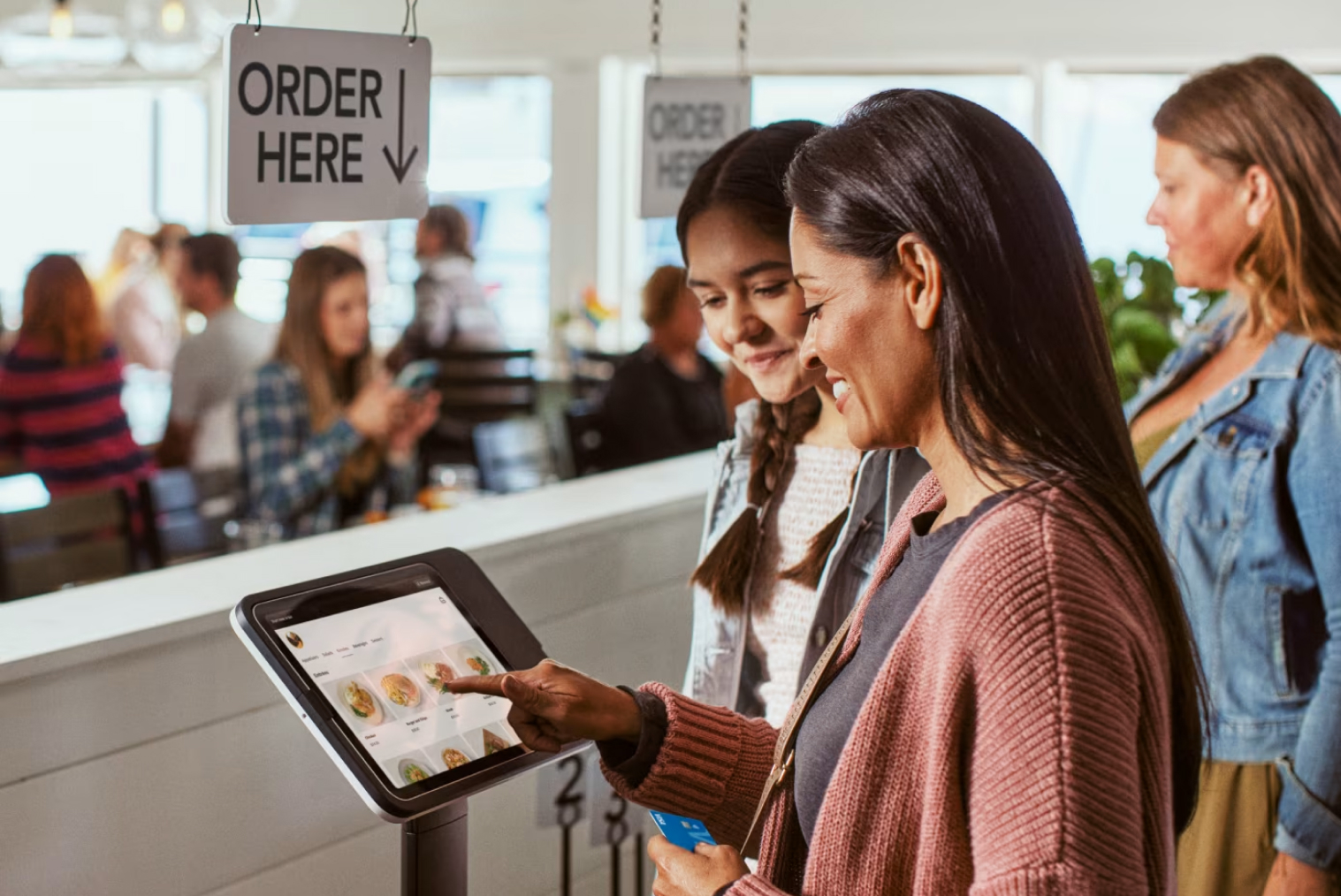
This is why self-service kiosk screens are more efficient than traditional ordering systems in many restaurants. Kiosks enable customers to view menus, customize orders, and make payments independently without any human assistance. Selecting the appropriate kiosk is critical because a good user interface directly affects the usability and overall customer satisfaction with the system.
Why Kiosk Screen Quality Matters for Modern Restaurant Operations
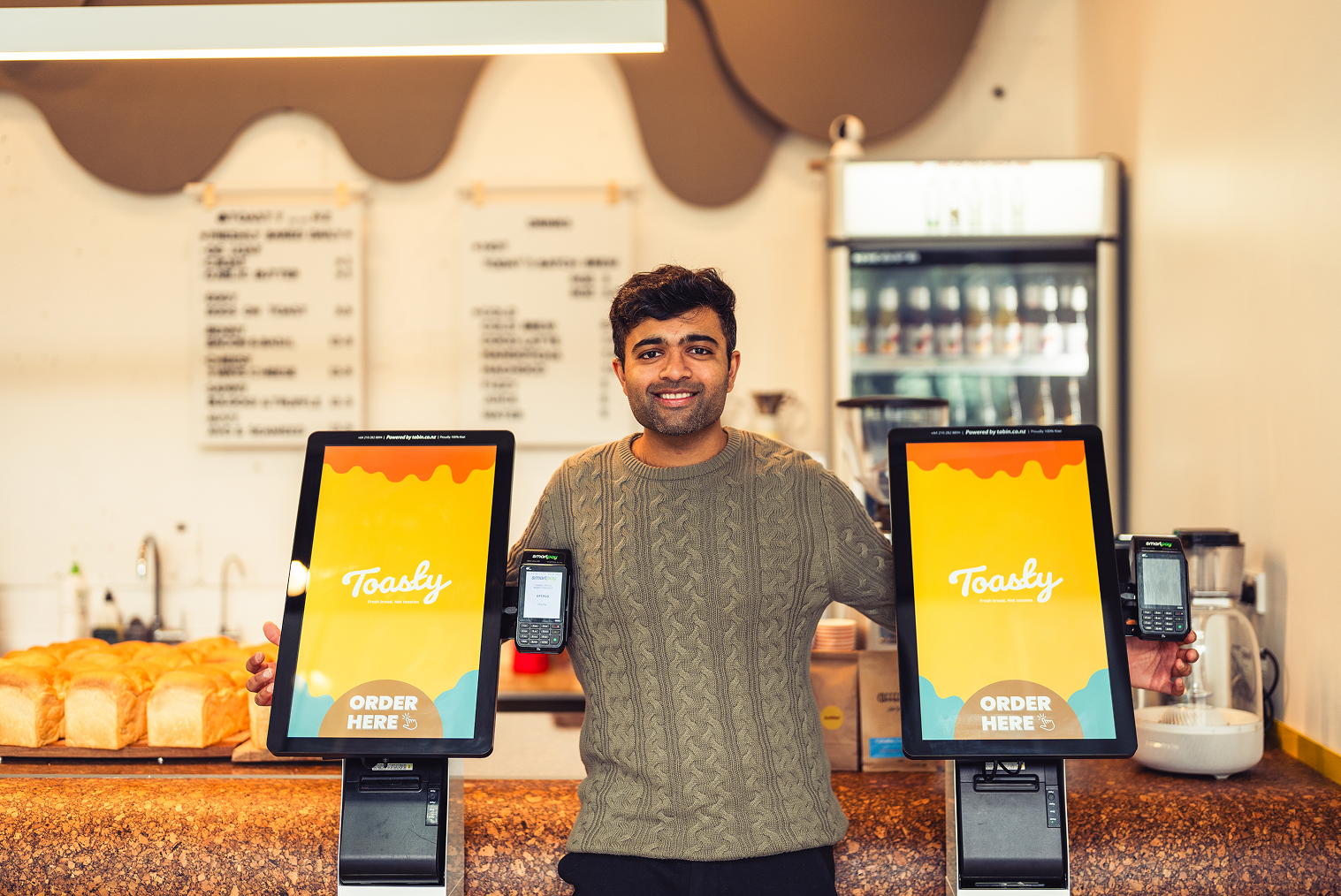
Kiosk screens matter because they combine convenience, speed, and control into a single, customer-driven ordering experience.
As restaurants continue adopting digital self-service technology, the demand for better kiosk screens and enhanced kiosk features has grown rapidly. High-resolution displays, durable touch layers, multilingual options, and cloud connectivity are now essential to support busy restaurant workflows and improve customer satisfaction.
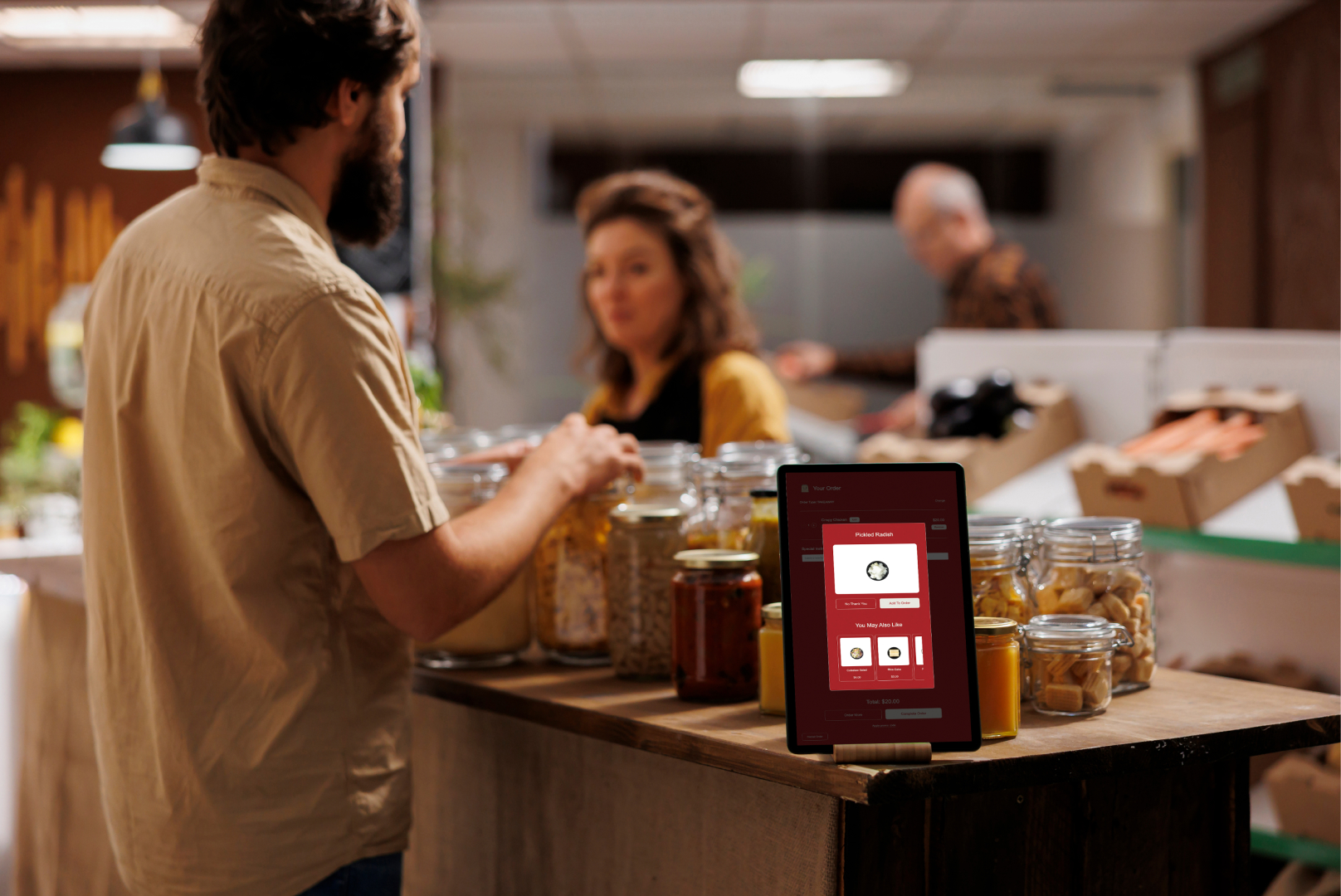
For eateries shifting toward automation, investing in the right screen technology can directly enhance operational efficiency, reduce waiting times, and support upselling strategies through visual menu presentation. Modern restaurant ordering kiosks also leverage data analytics to track buying behaviour and refine customer journeys, creating repeat business and improved order accuracy.
Restaurants evaluating kiosk upgrades should also consider self-service kiosk solutions that integrate with loyalty systems, inventory software, and payment platforms to ensure seamless service throughout the customer journey.
Importance Of Choosing The Right Kiosk For Your Eatery
In the eatery industry, efficiency and customer satisfaction are paramount. As technology keeps evolving, self-service kiosks have become crucial to streamline operations and create a seamless dining experience. However, not all kiosk systems are created with the same features. Choosing the right restaurant kiosk will determine how effectively an eatery benefits from digital ordering.
- A well-chosen kiosk system can significantly bring down labour costs by automating the process of placing orders. This will allow staff members to focus on other important tasks like food preparation and hospitality. Automating orders with self-service kiosks not only leads to faster service but also reduces human error. This results in more accurate orders and happier customers.
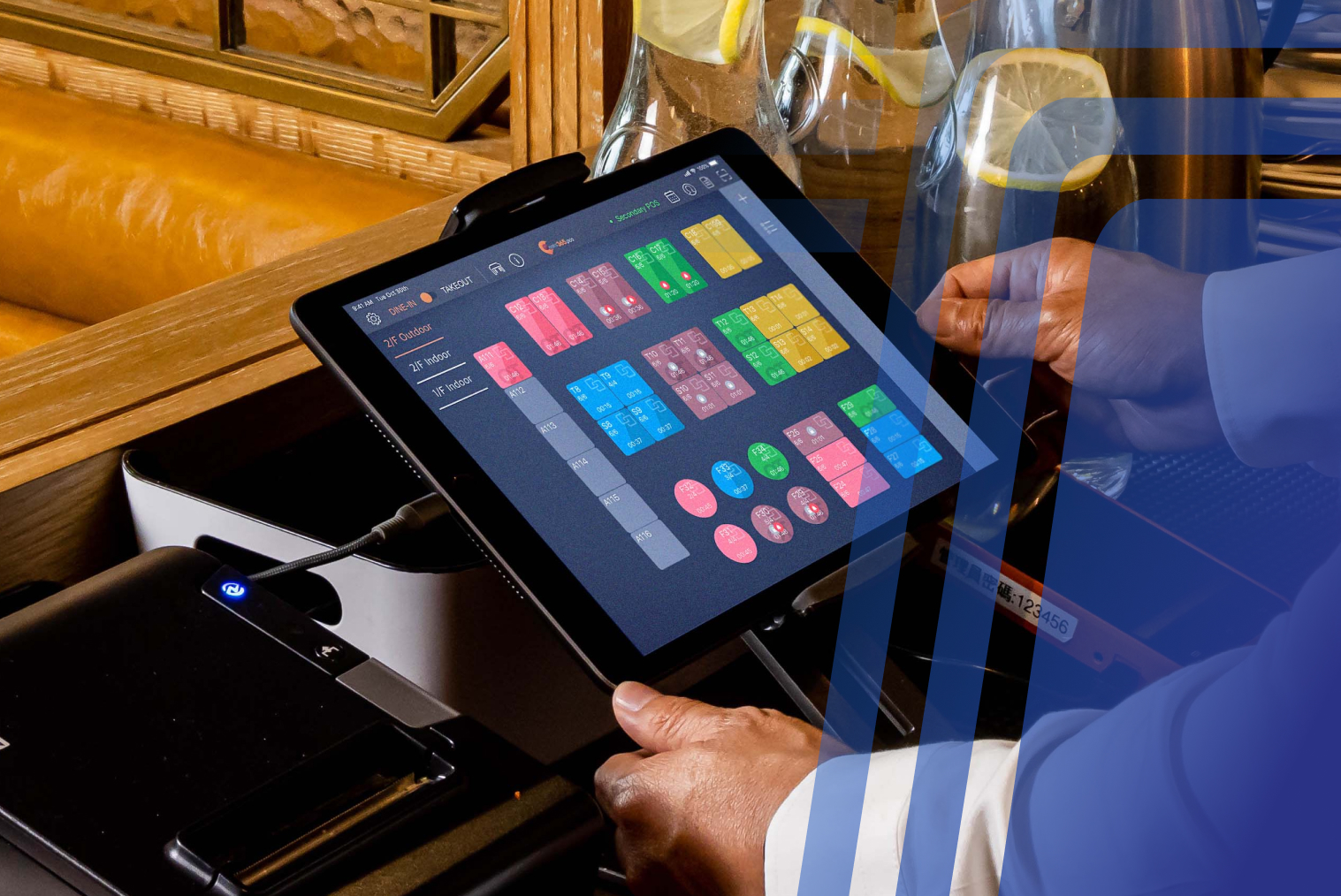
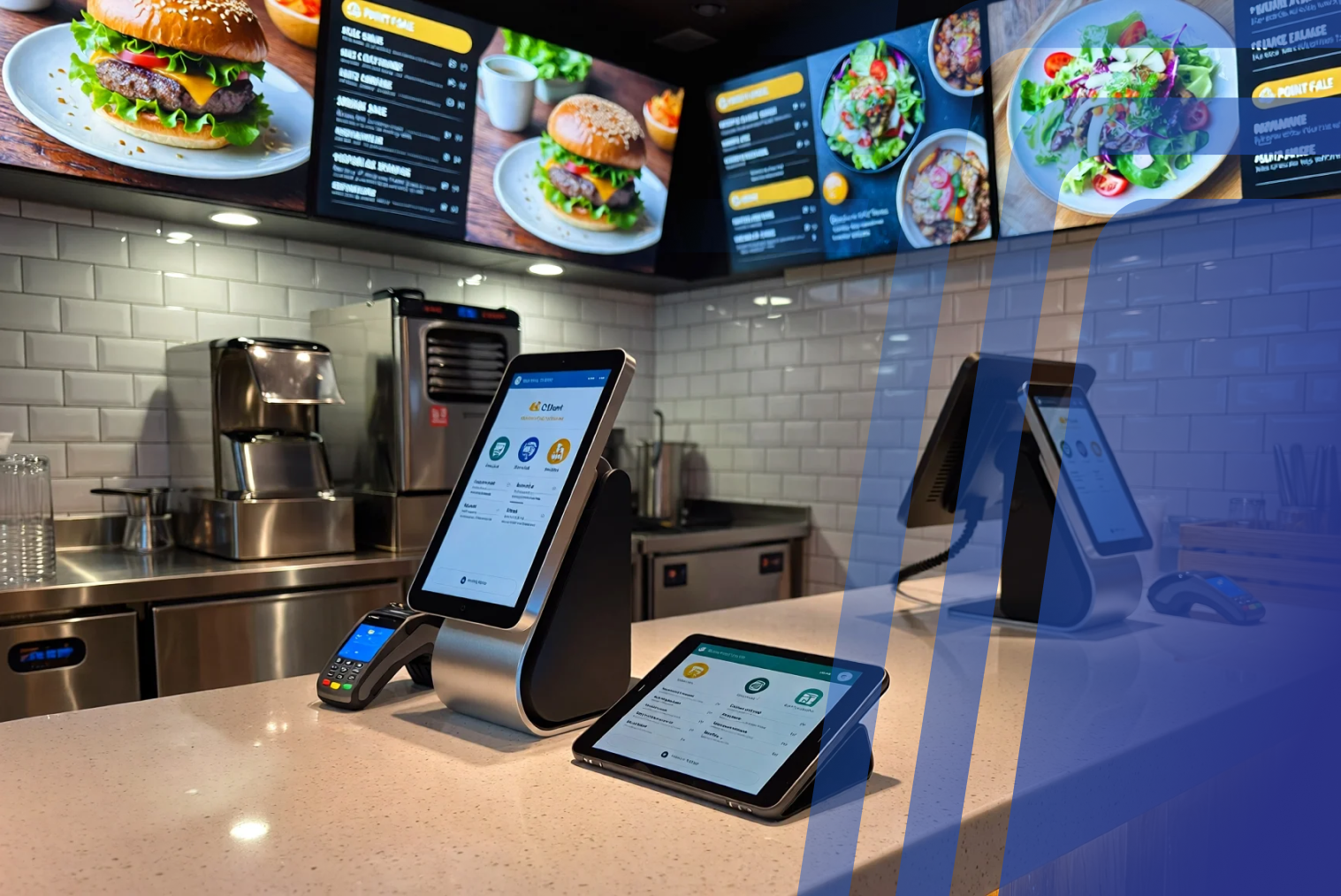
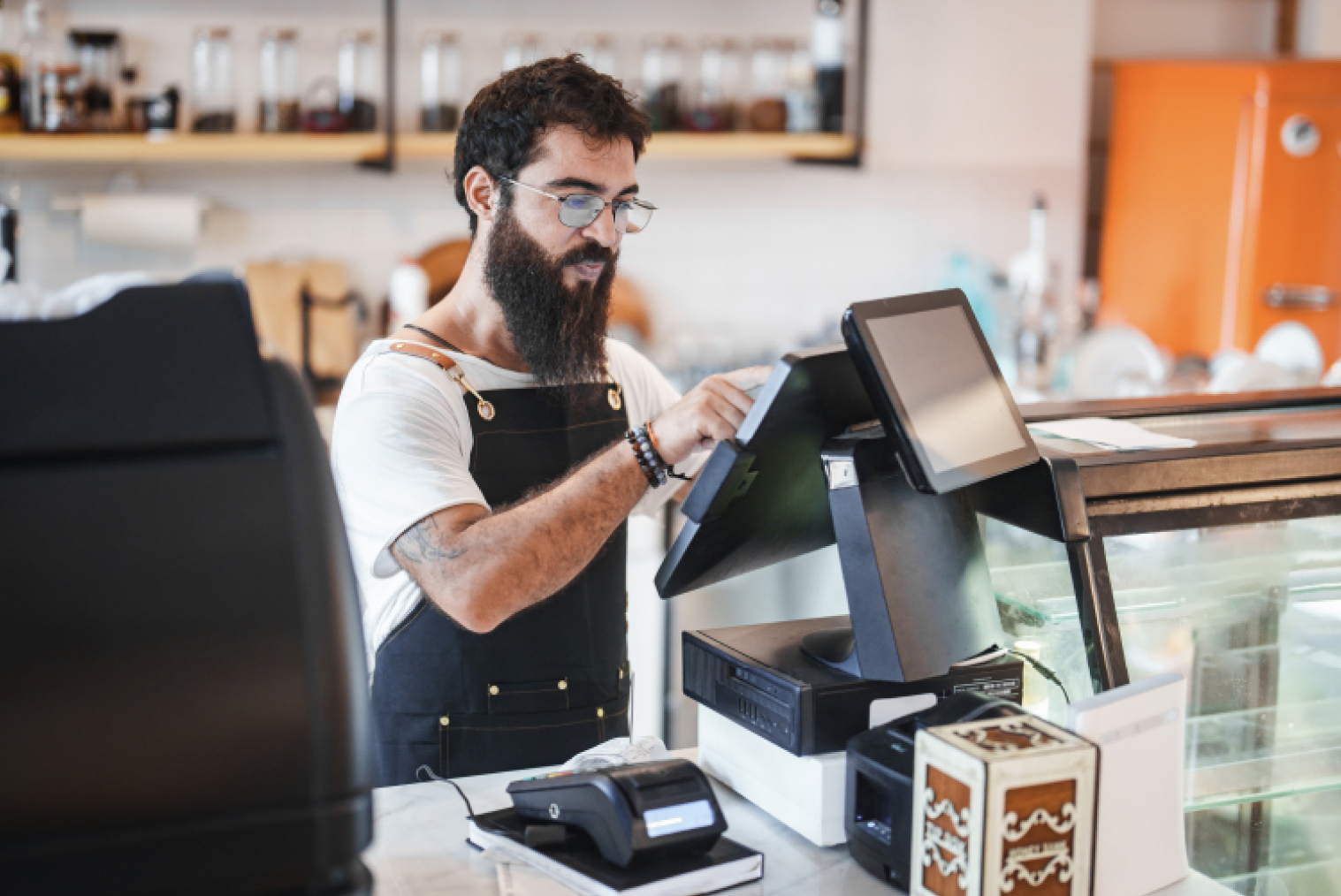
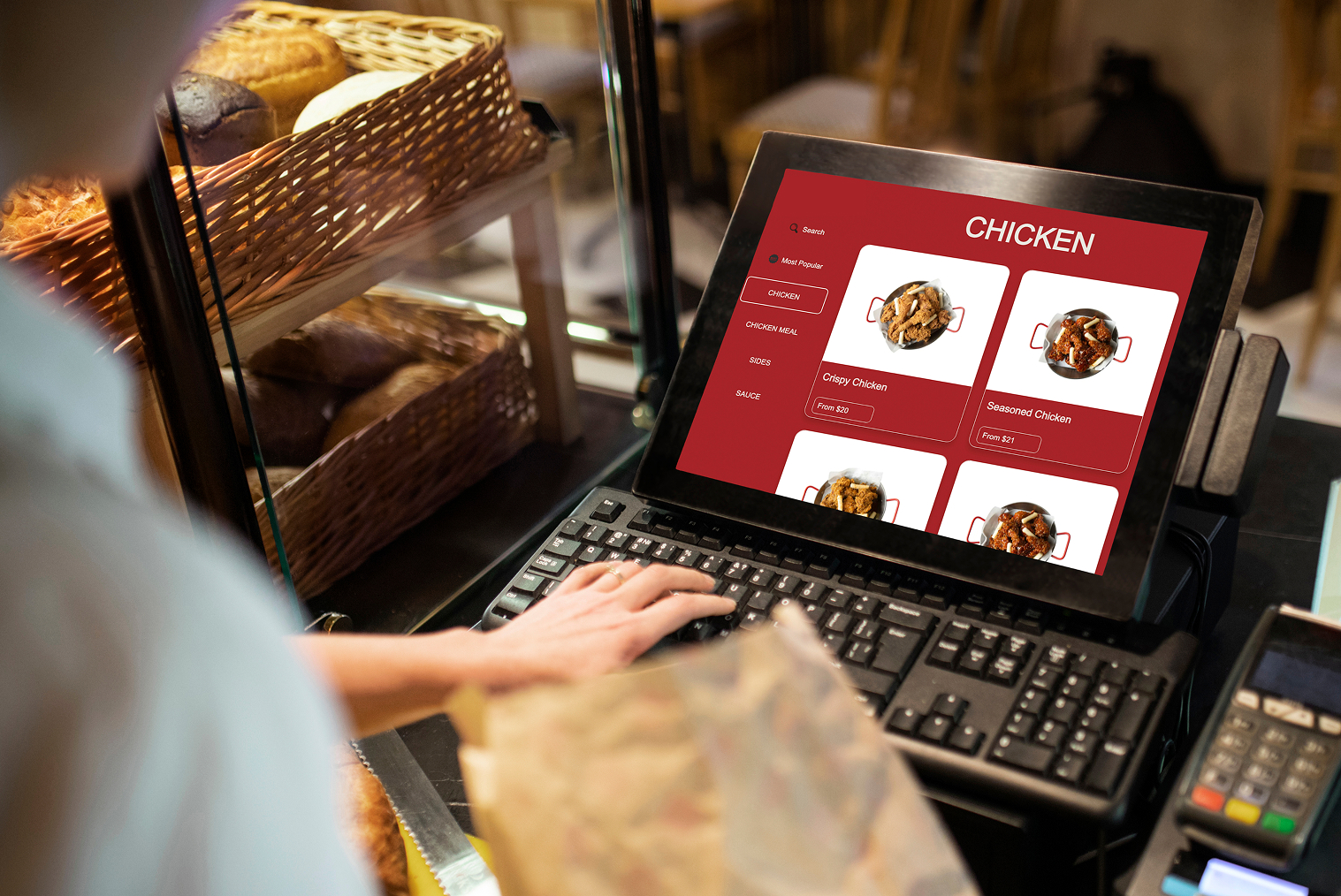
- It can seamlessly integrate with existing point of sale (POS) systems. This will ensure that the entire operation is running smoothly right from the placement of orders to payment processing. This integration is necessary for maintaining accurate inventory numbers and financial records, crucial for the success of restaurants.
- Again, the right kiosk system will be able to handle high volumes of transactions without malfunctioning or interruptions. This makes it ideal for busy restaurants with a high regular footfall.
- The right kiosk system will also enhance customer experience in many ways. User-friendly interfaces will allow customers to place orders quickly and easily even during peak hours of the day. Customisation options in kiosks also allow restaurants to tailor the interface according to their brand, creating a consistent and smooth customer experience.
- Kiosks with multilingual support can cater to diverse customer groups, making it easy for non-native speakers to navigate menus and place their orders. This increases inclusivity in terms of service. It helps to improve customer satisfaction and can expand the restaurant’s potential market.
Features To Look For In A Self-Service Kiosk
An effective touchscreen kiosk can help to improve customer experience and provide valuable and relevant information to users. These are some of the features you should prioritize the most while looking for an ideal kiosk screen.
Interactive touch screen
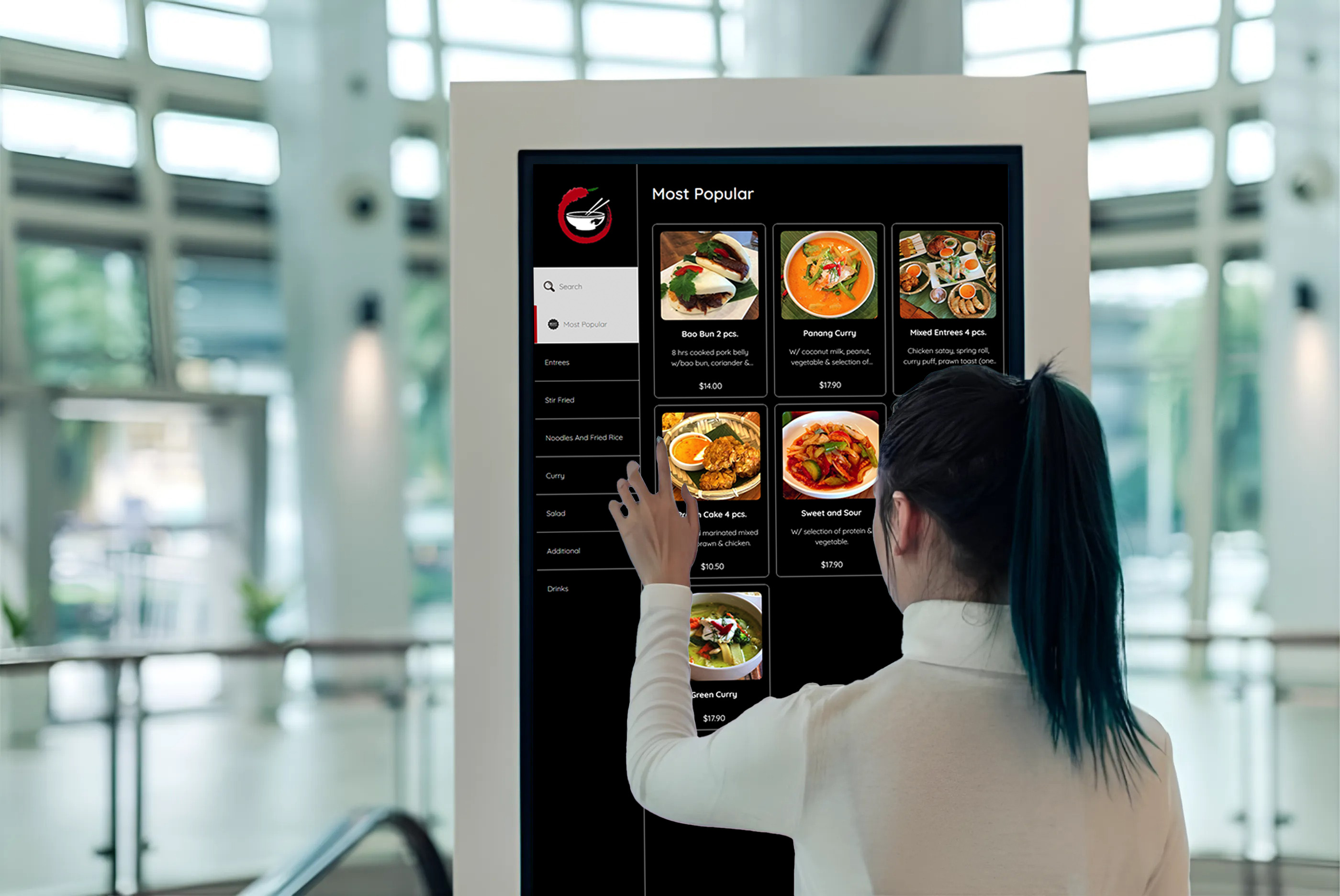
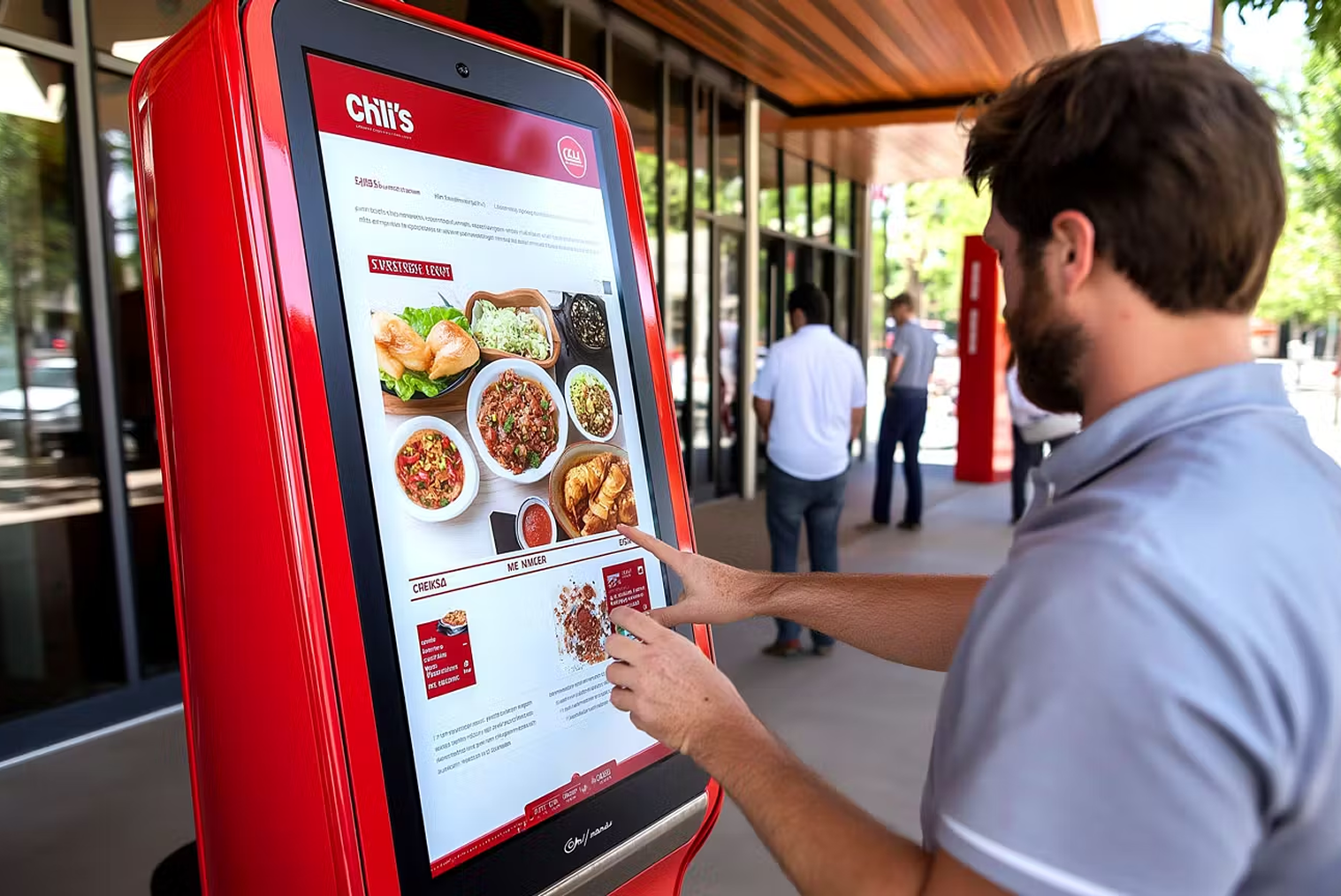
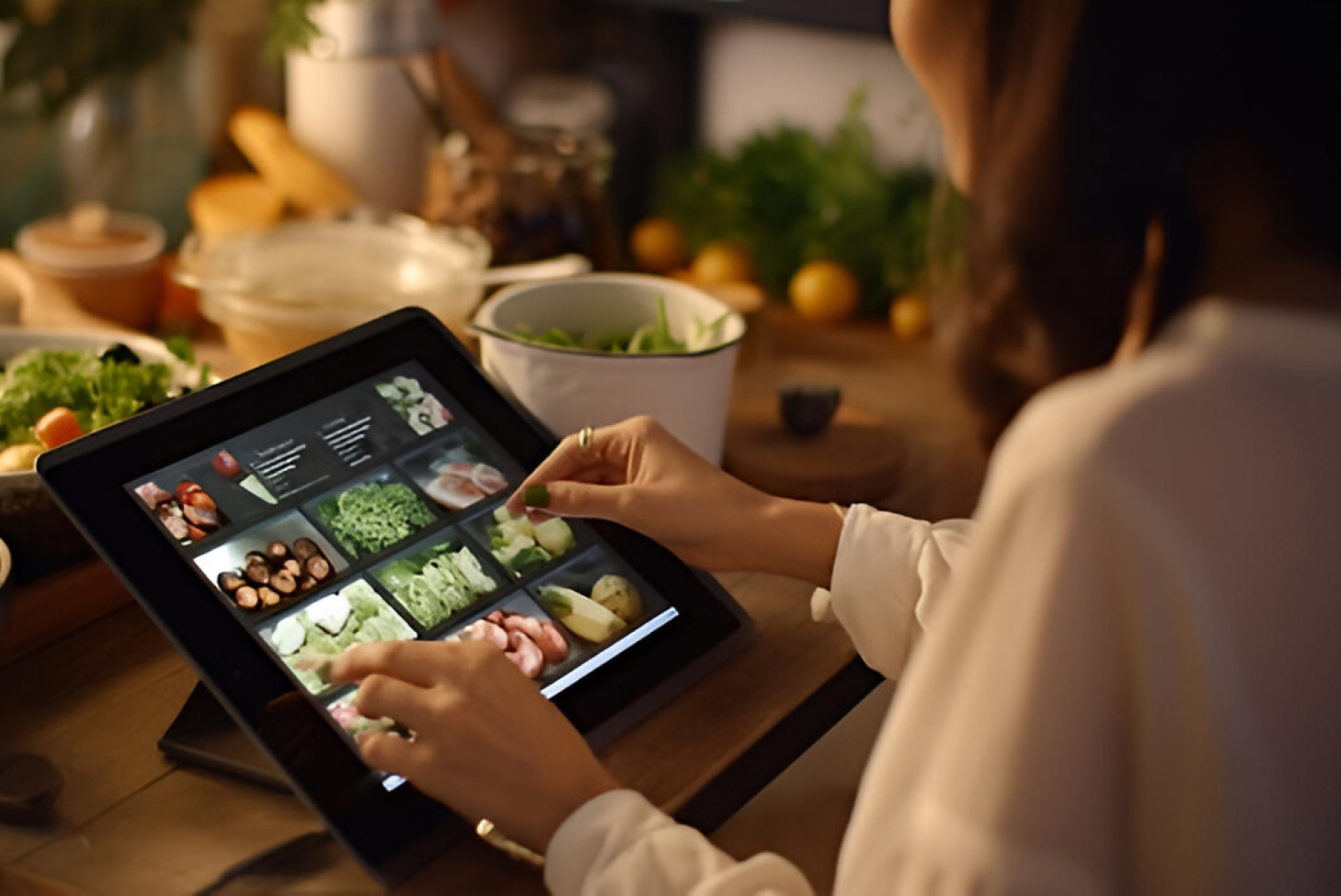
This is a key feature of any good self-service kiosk. It allows users to interact with the kiosk and access the information and services according to their needs. The touchscreen should be large enough to display all the information. It should also be highly durable to be able to withstand constant use.
High-quality display
An effective kiosk should also have a high-quality display showing clear and sharp visuals. It should also be bright enough to be visible in varying lighting conditions.
User-friendly interface
The first and foremost feature to look for in a kiosk is a user-friendly interface. It should be intuitive and easy to use, even for people who are not that skilled with the latest technology. It should be designed accessible with clear, easy-to-read fonts and icons. It should also be highly touch-responsive.
Accessibility features
An ideal kiosk should be accessible to everyone, especially to the differently abled. This could include features like text-to-speech capabilities, adjustable font sizes and braille labels.
Customizable content
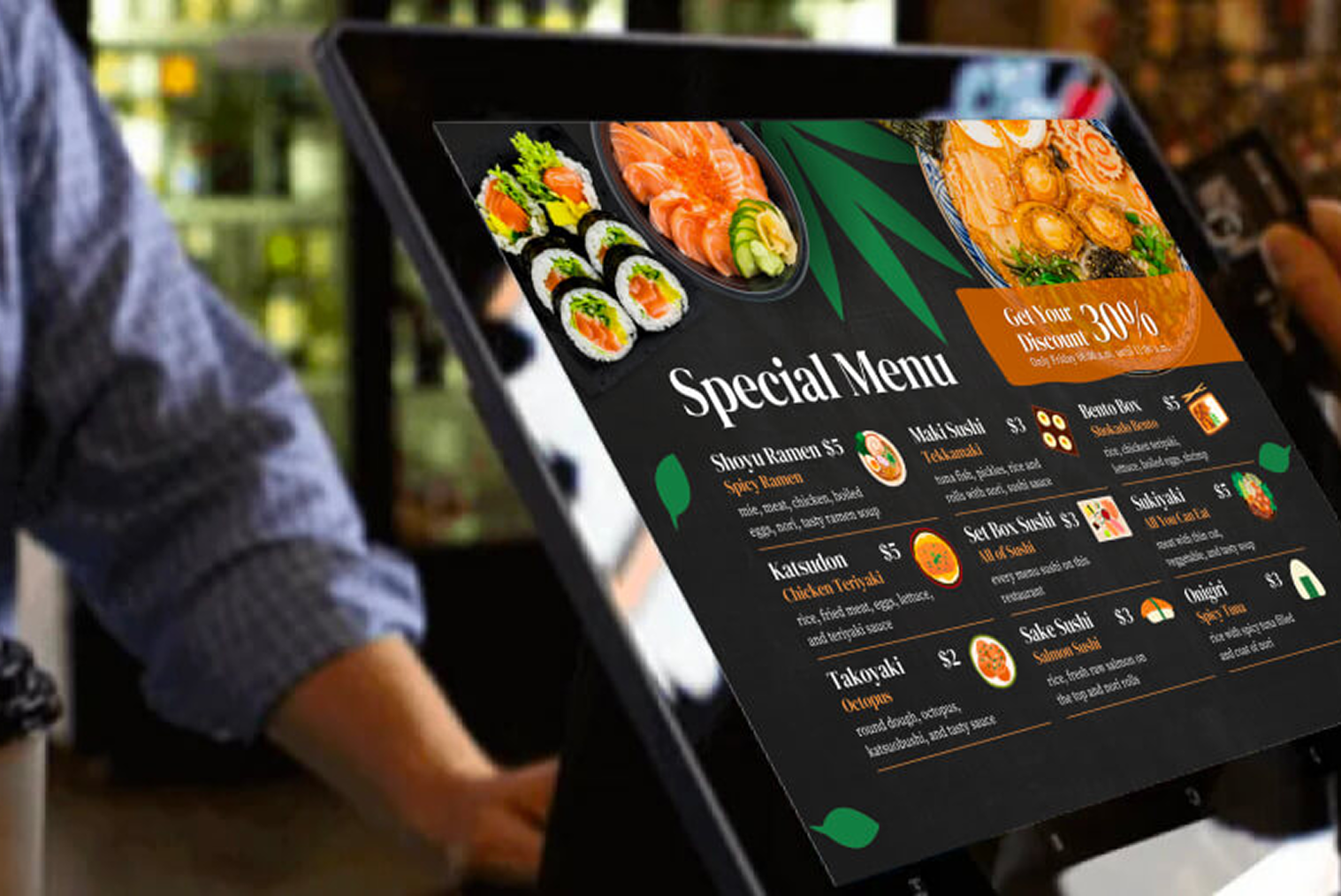
The kiosk should be able to display tailored content according to the users’ needs. It could include interactive features like survey forms or text, images and videos.
Remote management
Ideals kiosks should have remote management capabilities allowing managers to monitor the kiosk and manage it from afar. This will help to reduce downtime and ensure proper functioning.
Conclusion
For restaurants and food businesses handling high daily orders or peak-hour traffic, investing in the right self-service kiosk screen is no longer optional—it is a competitive necessity. Businesses should prioritise kiosk screens that offer intuitive interfaces, durable touch technology, and clear, high-quality displays to ensure faster ordering and fewer errors at the point of service.
To maximise long-term value, restaurants are advised to choose kiosk screens that support accessibility features, content customisation, and remote management. These capabilities not only improve customer satisfaction and attaching rate through visual upselling but also reduce operational friction and maintenance downtime. For eateries planning to scale or streamline operations, selecting a kiosk screen built for performance, inclusivity, and system integration will deliver consistent customer experiences and measurable operational gains.
Frequently Asked Questions (FAQs)
Q1: What screen size is ideal for a self-service kiosk in restaurants?
A medium-to-large display (typically 15–24 inches) offers optimal readability and interaction for food ordering environments.
Q2: What type of kiosk display works best in high-traffic food businesses?
Durable capacitive touchscreens with anti-glare coatings perform well in bright, high-usage environments and reduce maintenance issues.
Q3: How does screen quality impact customer experience and order accuracy?
Sharper visuals and responsive touch inputs improve ordering confidence, reduce mistakes, and allow easier browsing during peak traffic.
Q4: What screen size is ideal for a self-service kiosk in restaurants?
Yes — accessible kiosks with voice assistance, adjustable font sizes, and multilingual support expand usability for broader customer groups.


.webp)












.png)

















.webp)


